> For the complete documentation index, see [llms.txt](https://help.microweber.com/microweber-whitelabel/llms.txt). Markdown versions of documentation pages are available by appending `.md` to page URLs; this page is available as [Markdown](https://help.microweber.com/microweber-whitelabel/requirements/hosting-panel/plesk.md).
# Plesk
**Steps for Plesk White Label installation**
* Purchase Plesk license
{% embed url="" %}
* Install Plesk on the server
{% embed url="" %}
* Install our Plesk Auto Provision Plugin
{% embed url="" %}
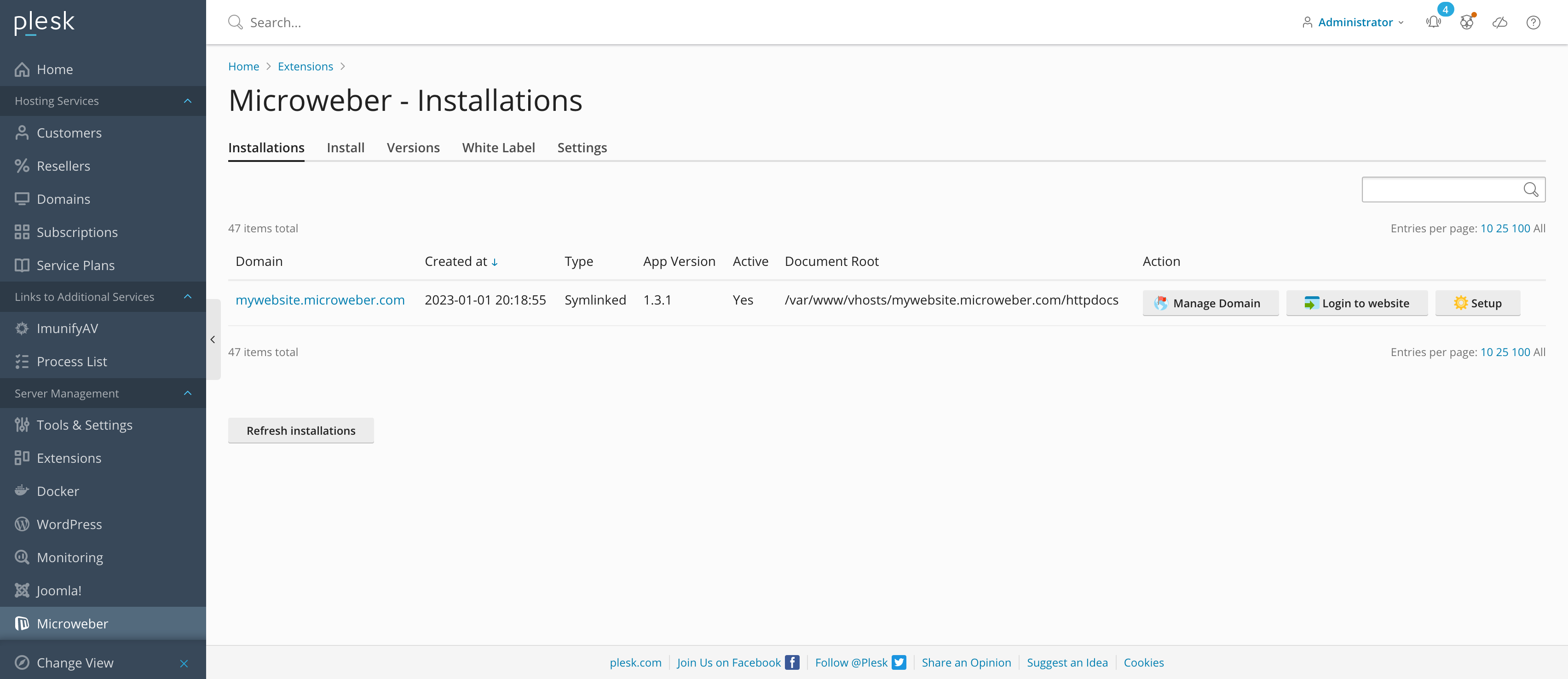
When all steps are done here it looks like:
When you are setup the server, plesk and our plugin you can manage all your websites easly.